

During our recent Nexpert Talks webinar, one moment stood out above the rest. When Justin Moore from Mason County Schools, this session’s featured Nexpert, explained how his district archives successful prompts, he mentioned a simple but powerful resource: a shared google document filled with copy-ready prompts.
This document, which is just a Google Slide deck, became the backbone of how Nexus users, from principals to coaches across Mason County learned to ask better questions, run consistent analyses, and confidently use AI in their daily work. It removed the fear of “typing the wrong thing” and ensured everyone started from the same set of trusted, district-approved prompts.
The reaction from attendees was immediate:
That wave of interest told us something important, districts don’t just want automation, they want shared understanding. They want a place where great prompts, great analyses, and great workflows can be reused and scaled without reinventing the wheel. So we built exactly that.
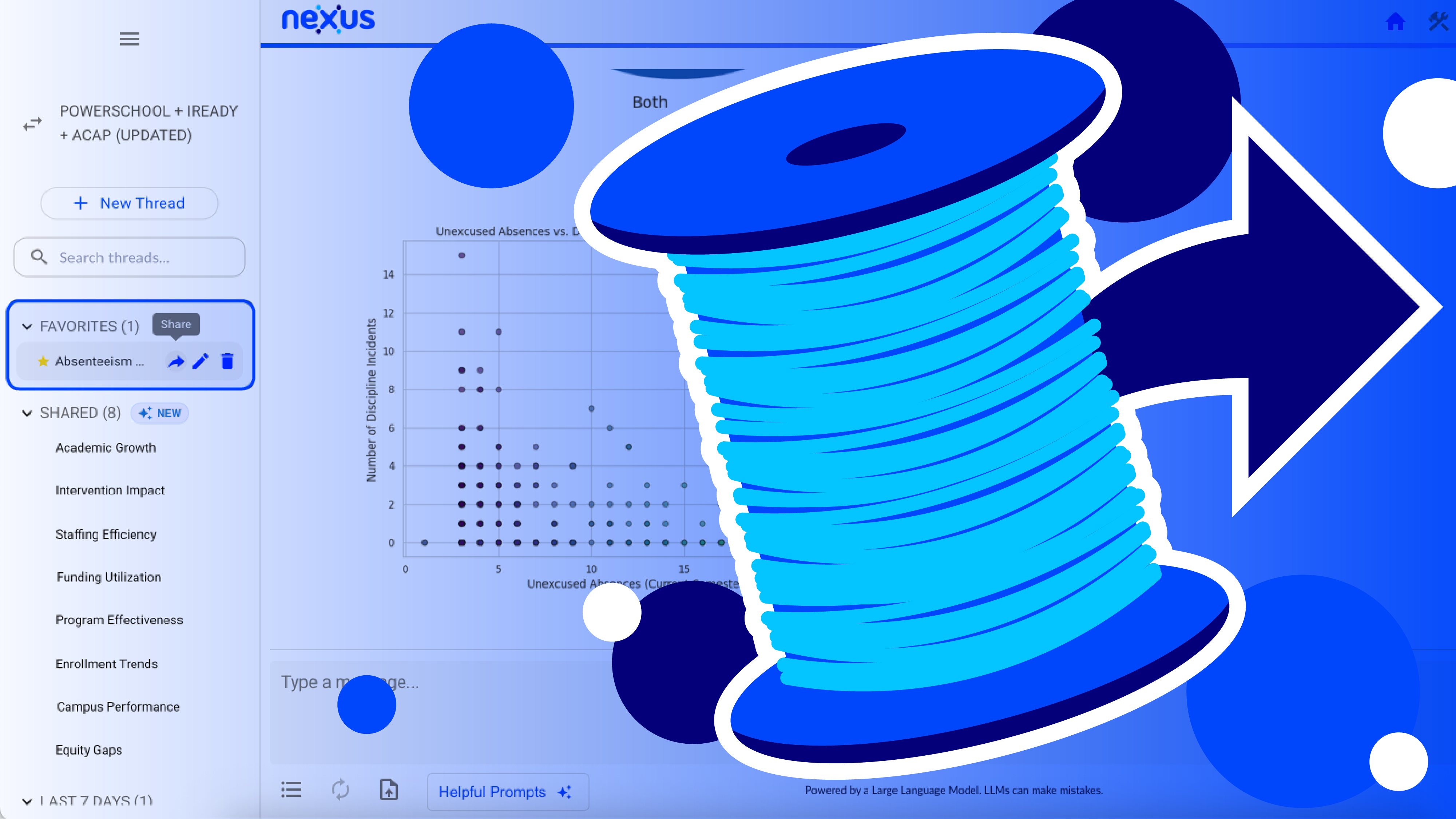
We’re excited to announce Sharing Threads, another new Nexus feature born directly from the ideas shared during that webinar.
Sharing Threads allows districts to:
Now, when a principal asks how to analyze iReady gains or a coach wants to evaluate pacing, they don’t have to start from scratch. They can open a shared thread, reuse successful prompts, or even download insightful visualizations.
Sharing Threads gives districts a new way to move from isolated wins to systemwide improvement. The best ideas no longer stay with a single coach, principal, or data lead, but they spread. Just like the original prompt document in Mason County, this feature is designed to reduce hesitation and build confidence. Staff don’t need to be AI experts. They just need great starting points.
The creation of Sharing Threads is a direct representation of what we believe makes Nexus different: listening to the districts who use the platform every day. When something works for a school system, we want to amplify it and make it available to everyone.
Justin’s shared prompt library sparked a conversation, that conversation sparked a need, and that need sparked a feature that now lives inside Nexus.
And we’re just getting started. If your district has ideas, pain points, or workflows you’d like to see automated or scaled, we’re here to listen.
If you want a more in-depth explanation on how the new Sharing Threads feature can fit into your district’s workflow, read the announcement at the button below.
We’re always innovating at Nexus, from launching new features to hosting events that give districts real-world insights, Nexus has something for every district. If you missed our latest webinar session, you can watch the full webinar recording to see how leaders like Justin Moore are transforming their workflows and shaping the future of Nexus below.
Innovation doesn’t stop with Nexus hosted events. Our monthly Nexus Newsletter highlights new features, district stories, and upcoming events you won’t want to miss. Visit our newsletter page to join our mailing list and stay connected with everything happening across the Nexus community.

